
What CDOC Mugshots Show
CDOC stands for the Colorado Department of Corrections. Its Offender Search identifies people held in the department's offender database. That scope matters. It is not a statewide county arrest feed. Someone can be arrested and booked in a Colorado county yet never enter CDOC at all. Someone else can show up there long after county booking, once a sentence, transfer, parole, or discharge places them in state corrections.
The photo on a profile is a corrections identification image. Treat it as the county booking photo only if the agency record says so. A sheriff or arresting police agency may hold an earlier picture, taken at a different point by a different custodian. A profile also says nothing final about a court appeal or a later sealing order.
The official CDOC Offender Search holds the live profile. The public tool uses a CAPTCHA and a disclaimer. Read those notices before trusting any result. The page opens with the search form, so a visitor can confirm the lookup sits on a real CDOC page before entering anything.
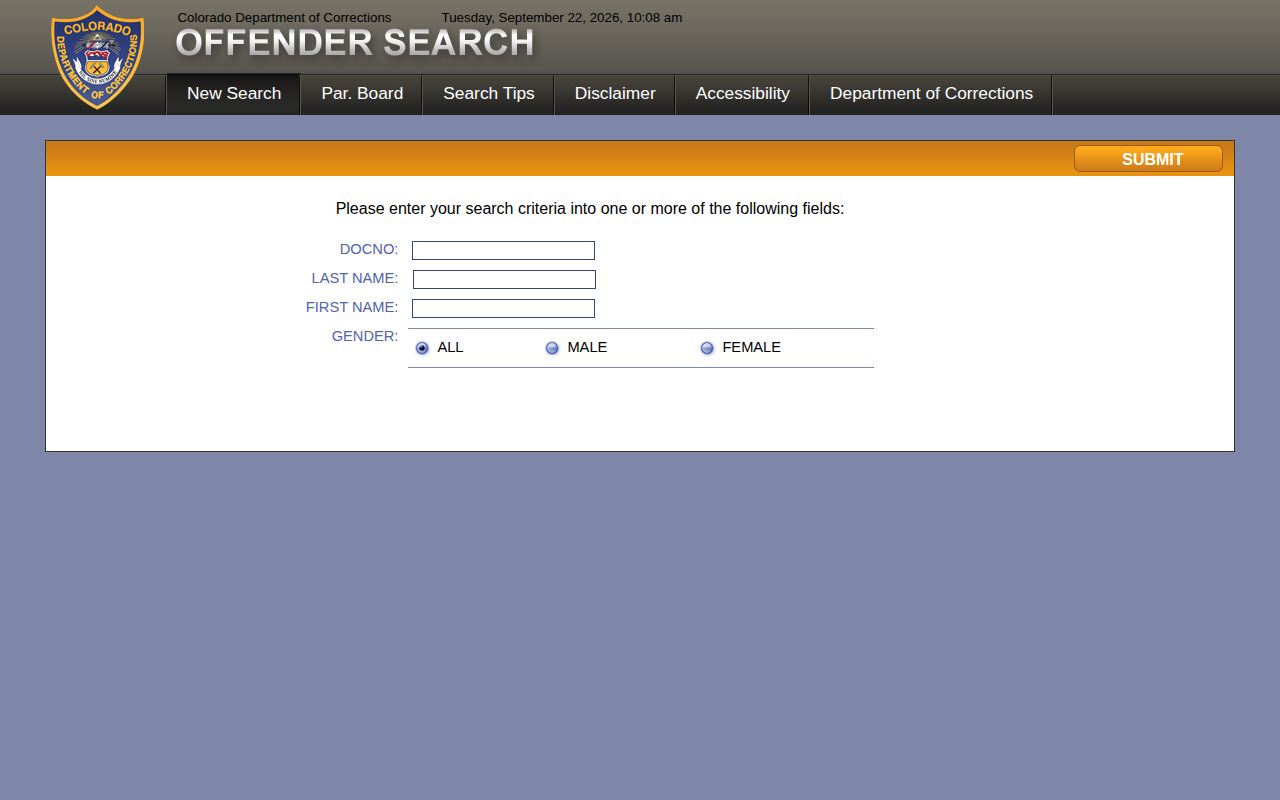
Search on the department’s own interface, then confirm an uncertain match directly with CDOC.
How the CDOC Offender Search Works
Start with a DOC number if you have one. The search tips call it a numeric primary identifier of up to six characters. A number beats a name. Names carry spelling variants or lag behind a legal change. The department may file a person under the name tied to the arrest or prosecution. It may not use a later one.
No number? Search by last name, first name, or both. The tool matches names that begin with the letters you enter. A short entry can pull up many people. Gender is a supplemental filter with All, Male, and Female choices. Pick All when the recorded value is unclear, rather than narrowing too soon.
The tips also describe a date-of-birth control with a plus-or-minus six-month range. The live form currently has that control switched off. Screens change. Work with the controls actually on the page. Beyond identifiers, the tips explain the name options and how prefixes affect what comes back.
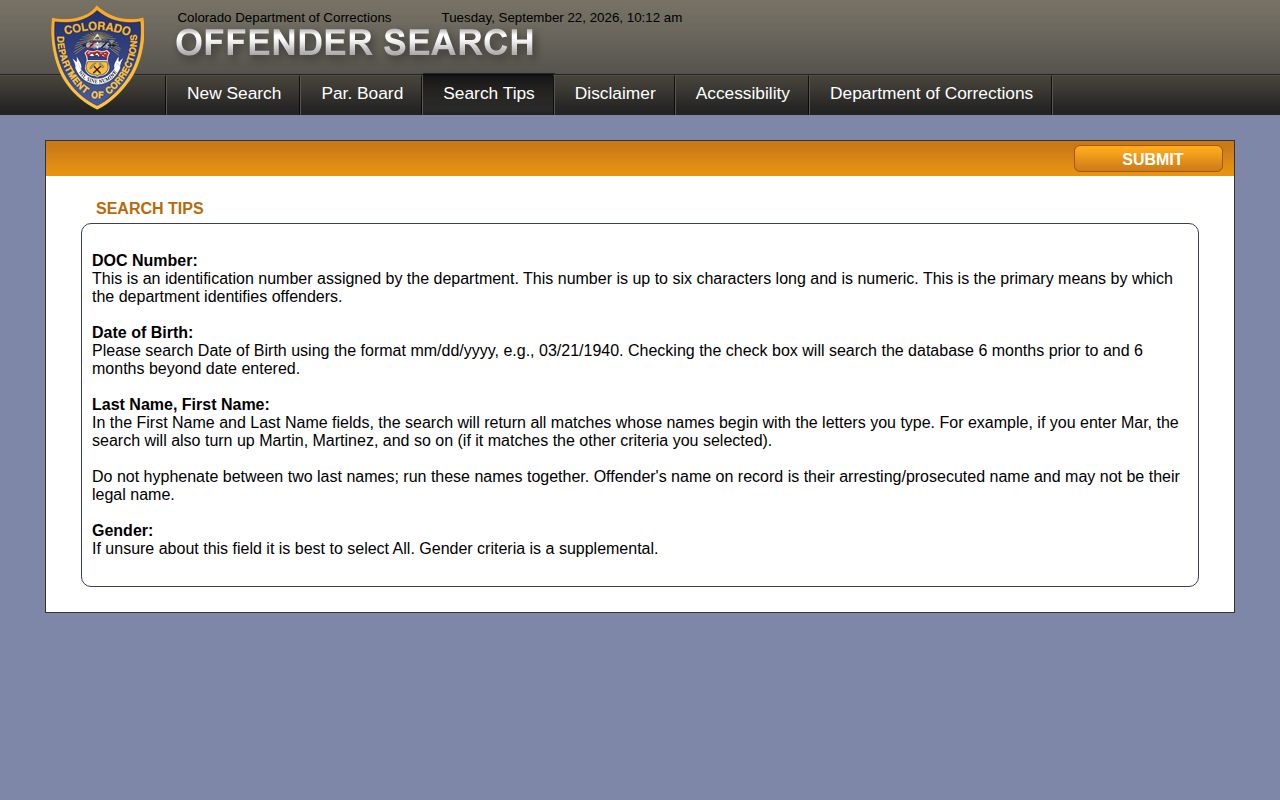
Enter the strongest identifier first. If the person does not appear under the expected name, widen the search from there.
CDOC Offender Search Fields
The field list comes from the official search tips and the live form. Controls can change without notice. The date-of-birth field needs extra care, since the tips and the form do not fully agree.
| Field | Type | Required | Notes |
|---|---|---|---|
| DOC number | Numeric identifier | No, but preferred when known | Search tips describe up to six characters; use the number assigned by CDOC. |
| Last name | Text | Alternative search path | Name matches may begin with the letters entered. |
| First name | Text | Optional with name search | Use with the last name to narrow a broad result set. |
| Gender | Selection | No | Options shown are All, Male, and Female; use All if unsure. |
| Date of birth | Date control in search tips | Not confirmed in live form | Tips describe a six-month window on either side; the reviewed form did not show the control. |
| CAPTCHA | Human verification | Required to submit | Complete the current verification step on the official search screen. |
Skip the hyphen between two last names unless the record itself uses one. A search built on a current surname or one fixed spelling can miss the person entirely. When nothing comes back, try a known DOC number, a shorter name prefix, and the current official form before concluding no CDOC profile exists.
What a CDOC Profile Contains
A profile can list many fields. These include a name, age, corrections number, photo, ethnicity, gender, height, weight, eye color, hair color, dates, and current conviction information. What appears depends on the public profile. It also depends on what CDOC returns. The Colorado Virtual Library's summary of the offender database describes the same fields. Photo and demographics both appear. Read it as a corrections record, not a full arrest narrative or court file.
Dates may cover parole, release, or discharge where relevant. They reflect CDOC's record as displayed, not necessarily where a person is today. Transfers and later status changes can leave the profile behind. For legal history, rely on the court's judgment and any appellate orders.
A corrections number helps when asking the department to check a profile. Does the name, photo, or date seem off? Use CDOC's confirmation route and request a review. A similar photo proves nothing. A matching name never proves two records belong to the same person.
CDOC Photo Updates and Visibility
CDOC keeps no published schedule for photo updates. The Offender Search, its search-tips page, and the agency's disclaimer simply say nothing about when images change. There is no stated rule that a new photo replaces an old one. Nor is there a single retention date covering everyone who leaves custody. Whether a former offender's profile stays up or comes down is not spelled out anywhere. The department's public materials leave that question open.
A profile can remain searchable for years if CDOC keeps returning it. A blank result means little by itself. Spelling quirks, data visibility, transfers, system behavior, or a legal record update can all change what appears. Contact CDOC to confirm a disputed profile. Do not trust an empty search screen.
The agency's own disclaimer warns that database details can be inaccurate. It directs users to check with the department. The search page's accuracy notice says the same thing. Verify with CDOC instead of treating any screen result as final. Read that warning whenever a profile is used to identify the right agency. It matters for the custody layer too.
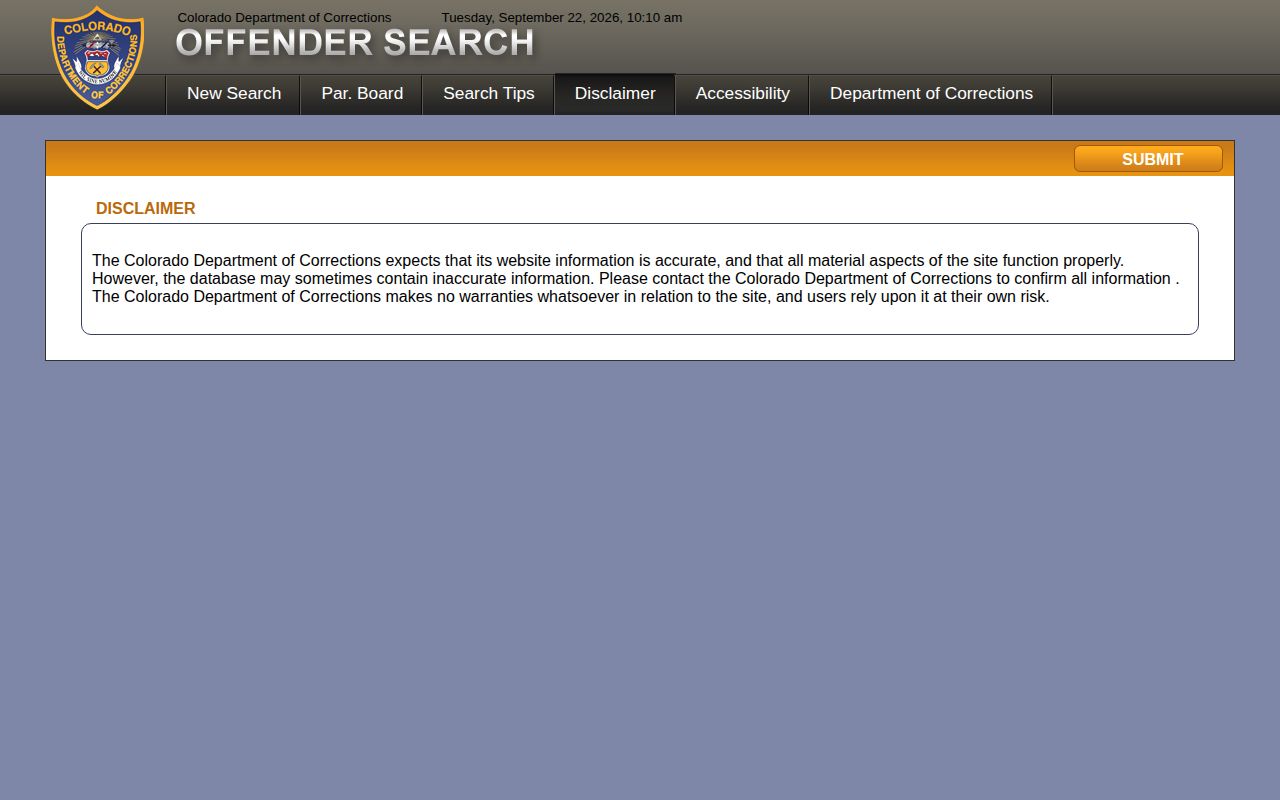
When displayed data clashes with a court record or another official notice, ask CDOC to confirm the profile or status. The department also posts information on parole absconders. That page serves a different purpose and has no bearing on how often offender photos are updated.
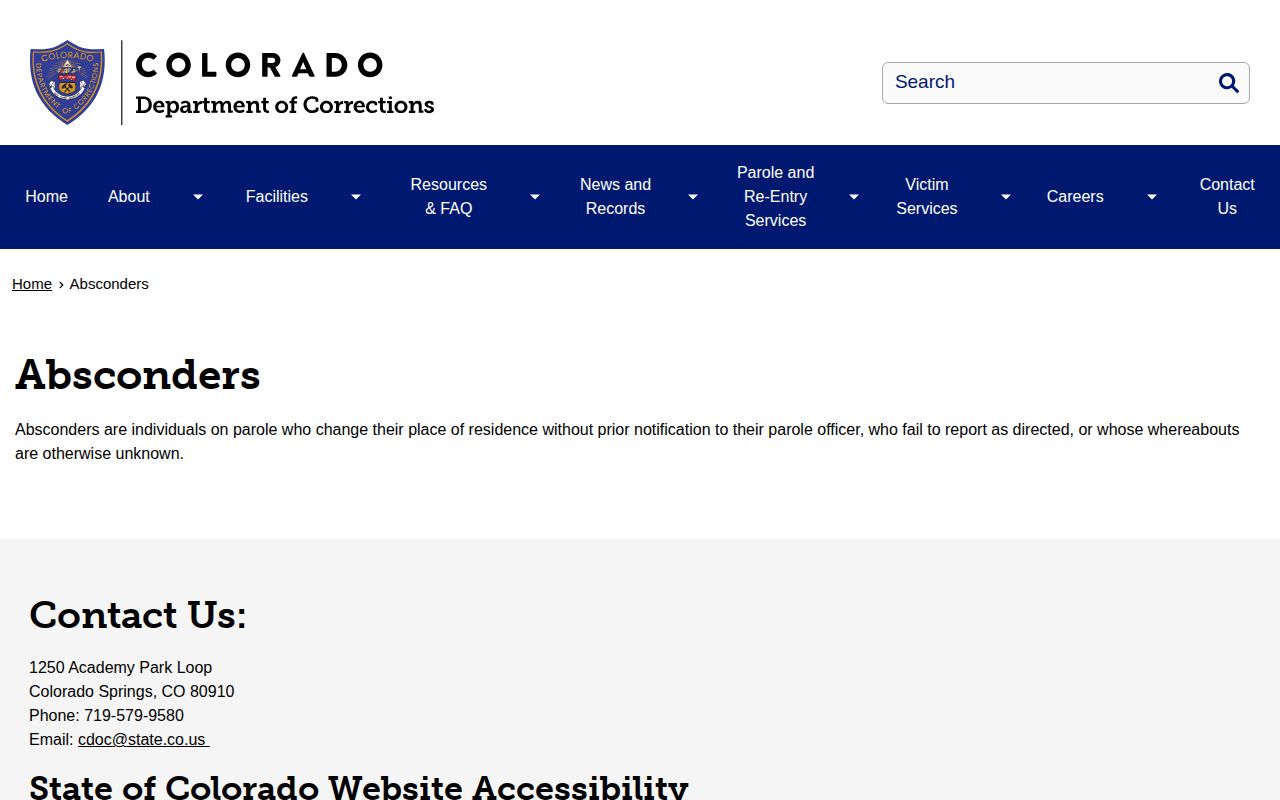
An absconder notice deals with a parole reporting or location problem. It is not a county booking event, and it cannot replace the profile search.
Requesting CDOC Records and Photos
CDOC calls itself a criminal justice agency. It says requests may fall under CORA or CCJRA depending on the record. Begin at the department's records request page; the address may shift as state services change. Be precise. Give the DOC number and the person's name. Include date of birth if known, the facility or supervision unit, a date range, and your contact details.
- Choose the correct record type: CDOC profile, corrections identification photo, classification record, or another state corrections document.
- Give identifiers that help locate the profile, especially the DOC number when available.
- State a reasonable date range and the facility or supervision unit if known.
- Ask CDOC which public-record law and fee schedule applies, and whether any portion is restricted or requires redaction.
- If the request needs routing help, use CDOC Constituent Services to identify the right office.
Skip the broad ask. A request for "all Colorado mugshots" goes nowhere. CDOC does not hold every county jail image. Say whether you want a CDOC identification image. Otherwise, name the booking photo taken by the arresting agency. Privacy, safety, statutory, and records-management rules can limit what gets released. The department posts no universal fee or turnaround time. So ask about both before expecting anything. Tie a photo request to a corrections profile and record date. Do not use it as a shortcut into local booking systems.
CDOC Photos Versus County Booking
The most common mistake here is a state prison search for a recent county arrest. Those records answer different questions. They often sit with different offices. A county jail roster shows current custody. A booking sheet captures an intake event and can stay obtainable after release. CDOC displays a corrections profile only when its system represents the person. The court docket, meanwhile, tracks charges, hearings, and outcomes.
| Record Layer | What It Can Show | Likely Custodian |
|---|---|---|
| County booking | Intake photo, booking date, charge entry, bond or release detail | County sheriff, jail, or arresting agency |
| County roster | Current custody or a defined recent intake/release window | County jail or vendor linked by the sheriff |
| CDOC offender profile | Corrections photo, DOC number, descriptors, convictions, and status dates | Colorado Department of Corrections |
| Court record | Case events, plea, judgment, sentence, appeal, or disposition | Colorado Judicial Branch court holding the case |
Think of it as a chain. Arrest and booking come first, and court proceedings follow. State corrections enters the chain only if the case produces a CDOC commitment or a searchable supervision record. Confirm stage links with case numbers and official documents. A CDOC photo signals no new local arrest. A county booking photo shows no later corrections status. For the local side, the County Directory points to the likely sheriff or jail source. The statewide guide on Colorado booking records and rosters walks through county search and release-report differences.
Following a CDOC Case in Court
The Colorado Judicial Branch Docket Search is the official statewide starting point for court events. Filter by district, county, courthouse, or court type. Division, date range, case number, and party name also filter searches. A docket may list an arraignment, plea, status conference, sentencing, disposition hearing, or appeal. No CDOC profile stands in for those documents.
The Judicial Branch Access Guide notes a key limit. The online docket is not a complete free archive of trial-court papers. A limited register may be open. The court itself may need to supply the judgment, mittimus, disposition, or full register. Sealed, juvenile, and Denver County Court matters carry added limits. Use the case number to request the exact paper that answers your question.
A CDOC profile and a court record may seem to disagree. Compare names, dates, case number, and sentence details. Then ask the department or the court. One screen may simply reflect a later appeal, transfer, or status update. The gap may not be an error.